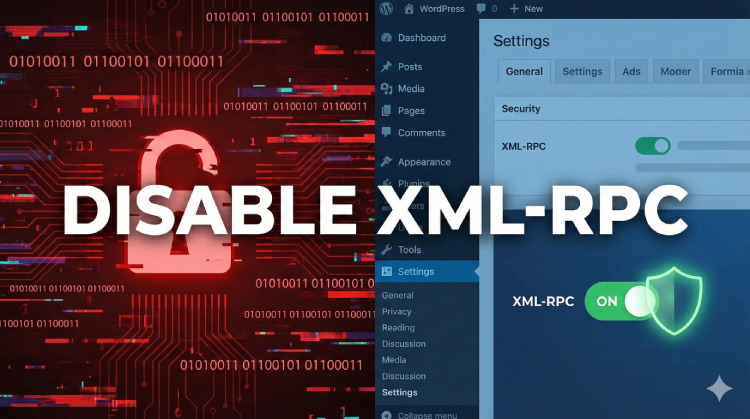
If you are seeing high server loads or hundreds of failed login attempts on your WordPress site, there is a likely culprit: xmlrpc.php.
This single file is a relic from the past, but it is one of the most common vectors for hackers to launch brute force and DDoS attacks against WordPress sites.
In this guide, we will explain exactly what XML-RPC is, why you need to disable it, and two ways to do it: the manual way (for coders) and the safe, one-click method using AdminEase.
What is XML-RPC and Why is it Dangerous?
In the early days of WordPress, XML-RPC was used to communicate with external systems (like the WordPress mobile app or blogging clients). However, with the introduction of the modern REST API, XML-RPC is largely obsolete for most users.
Keeping it enabled exposes your site to two major risks:
- Brute Force Attacks: Hackers use
xmlrpc.phpto try thousands of username/password combinations in a single request, bypassing standard login limits. - DDoS Attacks (Pingbacks): Attackers can use the “pingback” feature to make your site attack other sites, causing your server to crash or get blacklisted.
Unless you specifically use the legacy WordPress mobile app or Jetpack, you should disable this immediately.
Method 1: The Manual Way (Editing .htaccess)
Note: This method requires editing server configuration files. If you make a mistake, your site may go down. Always backup your site first.
To disable XML-RPC manually, you need to add a code snippet to your .htaccess file in your site’s root directory.
- Connect to your site via FTP or your Hosting File Manager.
- Locate the
.htaccessfile. - Add the following code at the bottom:
Apache
# Block WordPress xmlrpc.php requests
<Files xmlrpc.php>
order deny,allow
deny from all
</Files>
This blocks all access to the file. However, it does not offer flexibility if you need to allow specific IPs (like your own office IP) to access it for debugging tools.
Method 2: The Safe & Easy Way (Using AdminEase)
If you don’t want to risk editing server files, or if you want smart features like an IP Allowlist, you can use AdminEase.
AdminEase is an all-in-one toolkit that replaces dozens of single-purpose plugins. It includes a dedicated Security module designed to harden WordPress with a single click.
Step 1: Install AdminEase
If you haven’t already, download and install the plugin:
Step 2: Toggle the Security Setting
- Go to AdminEase in your WordPress dashboard.
- Click on the Security tab.
- Find the Disable XML-RPC option and toggle it ON.
- Also toggle Disable Pingbacks to prevent your site from being used in DDoS attacks.
Why use AdminEase instead of code?
- IP Allowlist (Pro): AdminEase Pro lets you block XML-RPC for the world but allow it for specific IP addresses. This is critical if you have one specific tool that still relies on it.
- No Coding Risk: You won’t break your site by misplacing a comma in a config file.
- Bonus Protection: While you are there, you can also Disable File Editing and Hide your WordPress Version to make it even harder for hackers to target you.+1
Conclusion
Leaving xmlrpc.php open is like leaving your back door unlocked. It doesn’t guarantee a break-in, but it makes it much easier for intruders to try.
Secure your site today by disabling it. For a complete security and performance overhaul without the technical headache, check out AdminEase.